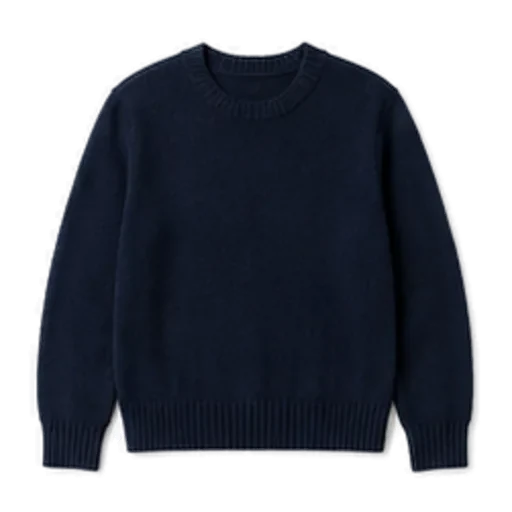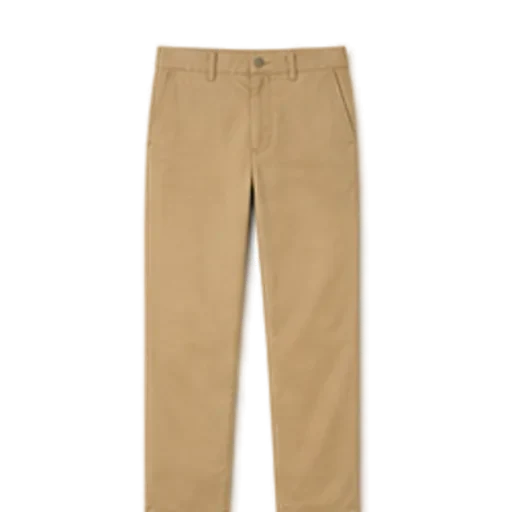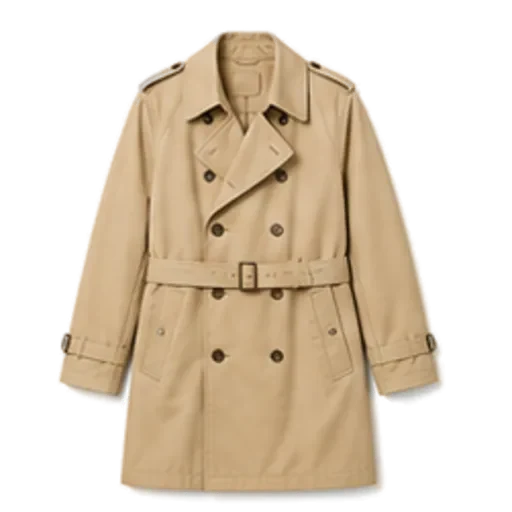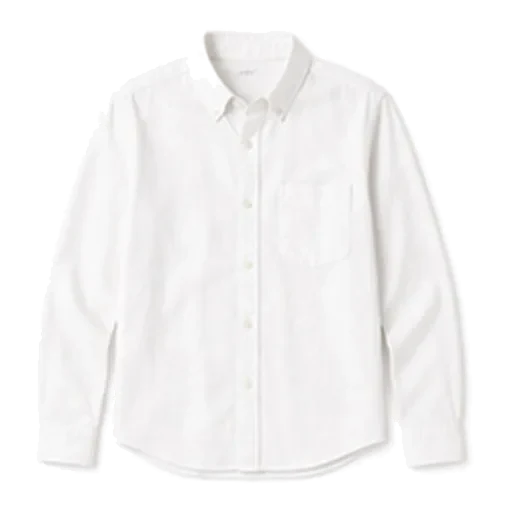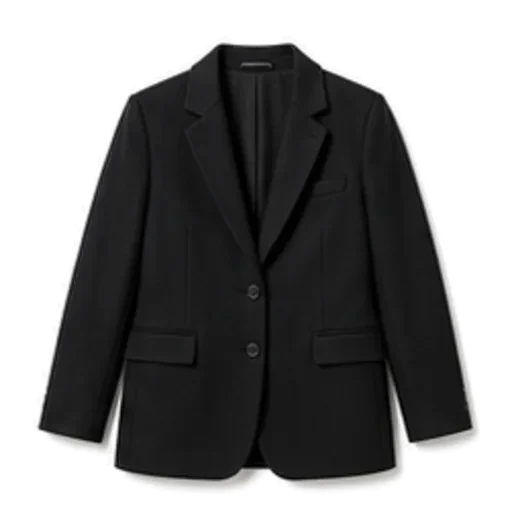
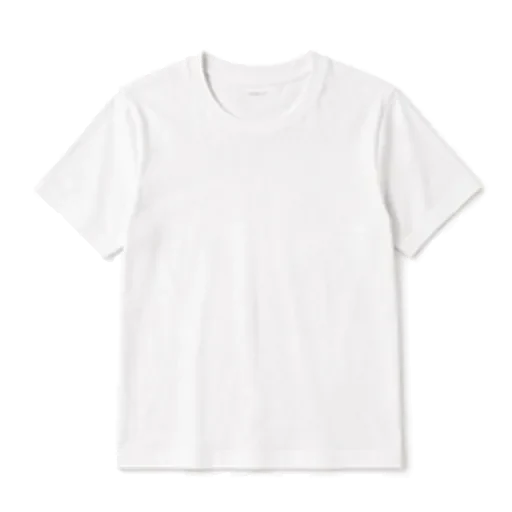

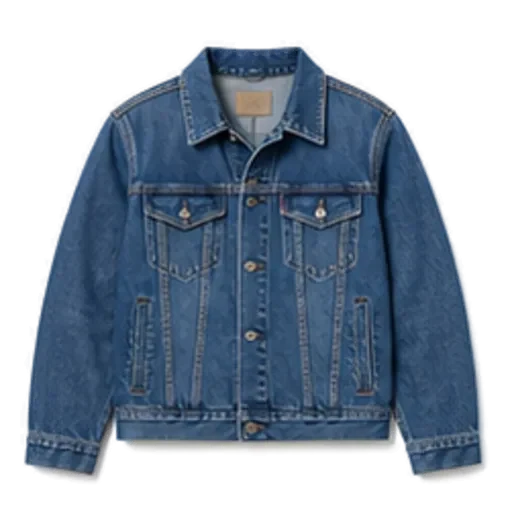
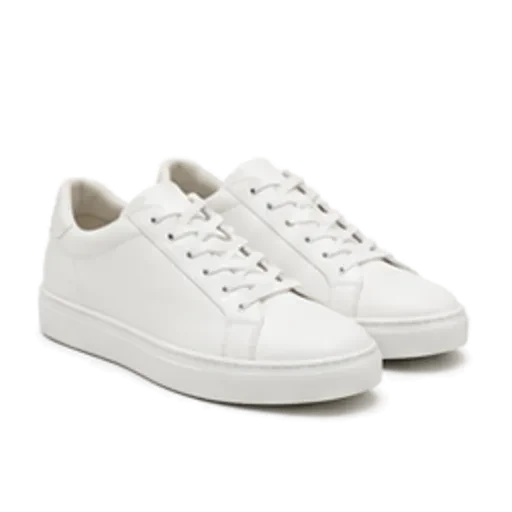
The best virtual closet app is the one you will still open in a month: fast to fill, honest about what it does with your photos, and genuinely useful on a Tuesday morning when you are standing in front of the wardrobe. Look past the catalogue itself and judge an app on three things: how quickly it gets your clothes in, how well it turns those clothes into outfits, and how it treats your data. Everything below is a checklist for doing exactly that.
What a virtual closet app should actually do
A virtual closet app is, at minimum, a searchable photo library of your clothes. That alone is mildly useful — you can see the grey merino jumper hiding behind the coats — but it is not why people keep these apps. People keep them because they make getting dressed quicker and help them wear more of what they already have.
So the real job breaks into four parts:
- Capture — getting garments in without a weekend of photography.
- Organise — tags you can filter by (category, colour, season, formality) without typing them all yourself.
- Combine — turning separate pieces into complete outfits, ideally with a reason attached.
- Remember — planning days ahead and recording what you wore, so the same three outfits do not quietly take over.
If an app only does the first two, it is a catalogue. That is fine if cataloguing is what you want. If you want help getting dressed, keep reading. Our step-by-step guide to building a digital wardrobe covers the capture part in detail.
The buyer's checklist: features that matter
1. Speed of adding clothes
This is where most people give up. Before you commit, add five garments and time it.
- Does it remove the background for you? A clean cut-out on a plain background makes outfit previews readable. Doing it by hand is where the weekend goes.
- Does it suggest tags? Category, colour, pattern, season and formality should be filled in for you and editable when it gets one wrong.
- Can you add basics without a photo? You do not need a portrait of your plain white T-shirt. A catalogue of common items you can tap to add saves a surprising amount of time.
A reasonable benchmark: twenty everyday pieces in around five minutes. If it takes much longer, you will stop at twelve.
2. Outfits from your clothes, not a shop's
Plenty of apps "suggest outfits" that are really product pages. Check whether every suggestion is built from garments you own, or whether the app keeps nudging you towards things to buy. If the point is to wear more of your wardrobe, shopping links work against it. Our piece on AI stylist apps goes deeper on why this distinction matters.
3. An explanation, not just a picture
A good outfit suggestion tells you why: the navy knit picks up the dark wash of the jeans; the white trainers keep a smart coat from feeling stiff. That sentence is what teaches you to put things together yourself next time.
4. Weather awareness
An outfit that ignores the forecast is a nice picture and nothing more. At 8°C (46°F) with rain, the app should be reaching for a trench or raincoat and boots, not suggesting suede loafers.
5. Planning and a wear record
Being able to plan Monday to Friday on a Sunday, and to log what you actually wore, is what turns the app into a habit. It also shows you which pieces never leave the rail.
Features that sound good but rarely get used
Some features demo well and then sit untouched. They are not necessarily bad, but do not let them decide your choice.
| Feature | Why it often goes unused |
|---|---|
| Social feeds of other people's outfits | Inspiring for a week; does not help you dress from your own clothes |
| Endless manual tagging fields | Nobody fills in fabric weight and purchase date for eighty items |
| Built-in shopping | Pulls you towards buying rather than wearing |
| Avatars and dress-up dolls | Fun, but slow, and rarely how real clothes look on a real body |
The test is simple: will this feature help on a normal weekday morning? If not, it is a nice-to-have.
Privacy questions to ask before you upload anything
You are about to photograph the contents of your bedroom, and possibly yourself in the mirror. Ask:
- Where do my photos go? On the device, in the cloud, or both?
- What are they used for? Only for your closet, or also for training, advertising or "partners"?
- Who can see my closet? Is anything public by default?
- What happens if I stop paying? Do you lose your closet, or can you still see it?
- Can I get my data out or delete my account?
If the privacy policy does not answer these plainly, treat that as the answer.
iPhone, web or both?
Most people add clothes and get dressed on their phone, so the phone app is where quality matters. A web version is handy for a different job: reviewing and tidying the whole wardrobe on a big screen, or bulk-adding items you already have photos of. Check whether the web and phone versions share one account, and be clear on what each one can do — they are not always identical.
How Foxdrobe handles each item on the checklist
Foxdrobe is an iPhone app with a companion web closet, built around getting dressed from what you already own. Here is how it maps to the checklist above.
- Capture. Photograph a garment and Foxdrobe cuts it out on a clean background and tags category, colour, pattern, season and formality — all editable. For basics, add from a catalogue of 150 everyday garments in a couple of taps, no photo needed. Twenty pieces take about five minutes.
- Outfits from your clothes. Tell Fenn, the fox stylist inside the app, where you are going, and Style me builds a complete outfit only from garments you own, with a sentence explaining why the pieces work together. Ask again for another take.
- A second opinion. Check this outfit lets you photograph what you have on; Fenn gives a score, plain-English feedback and swaps from your own closet.
- Weather. Suggestions read today's forecast — temperature, conditions, rain and wind — so layers, jackets and shoes change with the weather.
- Planning and records. Plan outfits for the days ahead from your closet, a saved look or a photo of what you wore; keep a record of what you actually wore; save looks that worked. There is a home screen widget too.
- No shopping. There are no shopping links and no affiliate feeds. Every suggestion comes from clothes you already own.
- Privacy. A photo taken in the iPhone app stays on the phone and leaves the device only for the moment Fenn reads it. Photos uploaded on the web go to private storage scoped to your account.
- If you stop paying. The closet becomes read-only. Nothing is deleted.
What it does not do, so you can compare fairly: there is no Android app, no free plan, no social feed and no virtual try-on. The web closet uses the same account and is good for reviewing and bulk-adding, but garments added there are described by hand rather than tagged by AI. Pricing is on the pricing section: Foxdrobe Pro starts with a 7-day free trial through the App Store, then $5.99 a week or $19.99 a month in the US, with local pricing elsewhere.
How to test any virtual closet app in one evening
Whichever app you try, give it a fair trial with the same routine:
- Add your top twenty. Pull the twenty things you wore most in the last month — say a white tee, black tee, straight-leg jeans, chinos, a denim jacket, a knit, white trainers and boots. Time it.
- Ask for three outfits for real plans this week: work, a dinner, a weekend errand.
- Judge the suggestions. Would you actually wear them? Do they respect the forecast? Is there a reason given?
- Plan two days ahead and see whether the app makes that easy.
- Read the privacy policy with the questions above in hand.
If an app passes all five, it is worth keeping. If you want a wider comparison of the options, see our guide to the best outfit planner apps, or our fair look at when a Stylebook alternative makes sense.