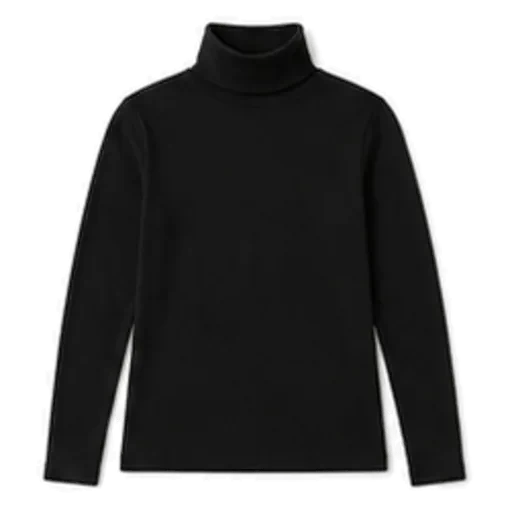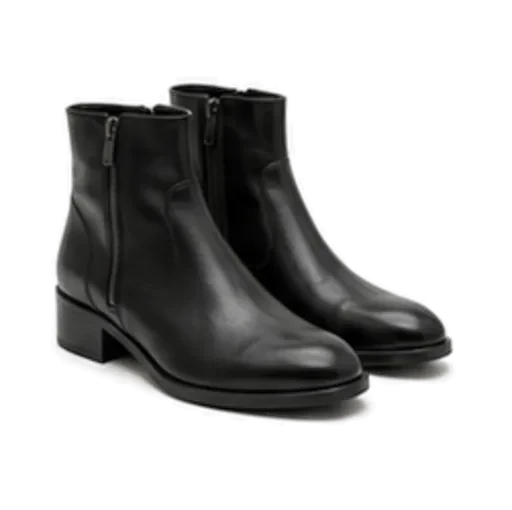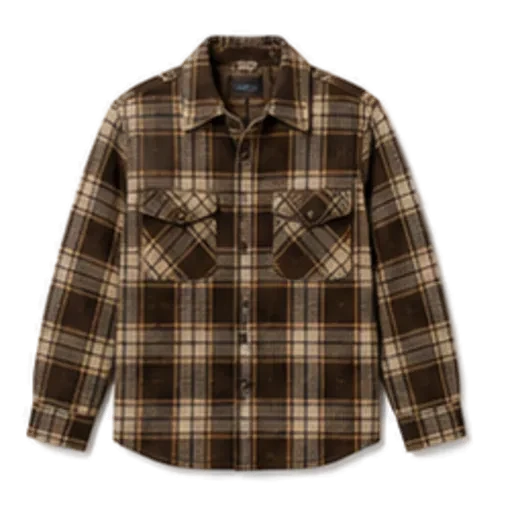
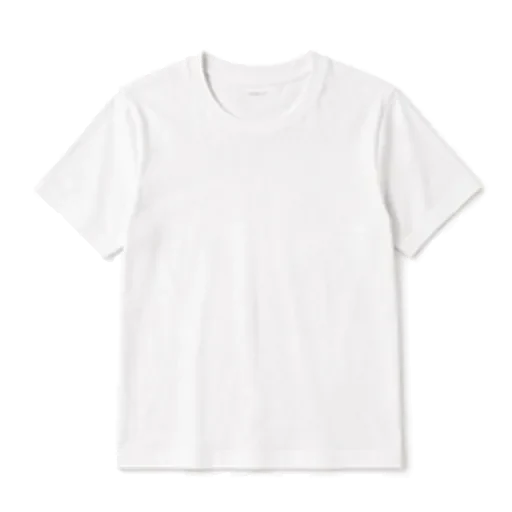
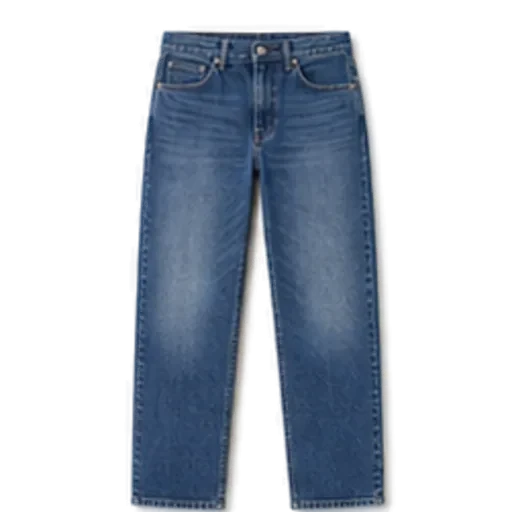
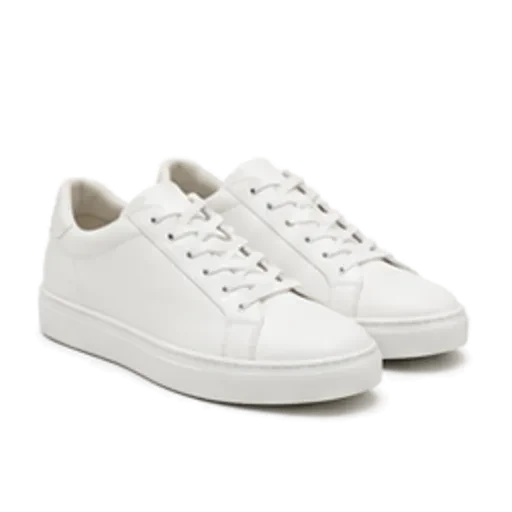
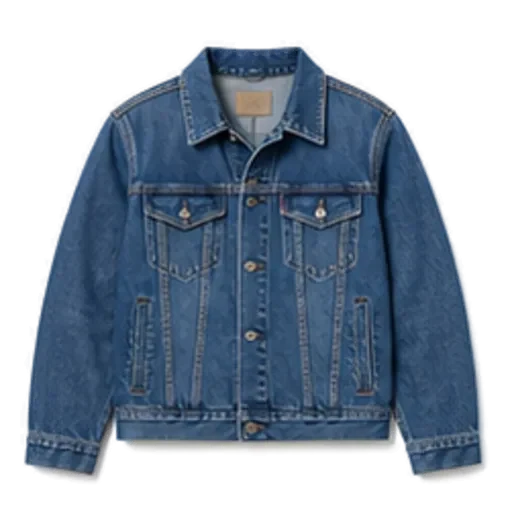
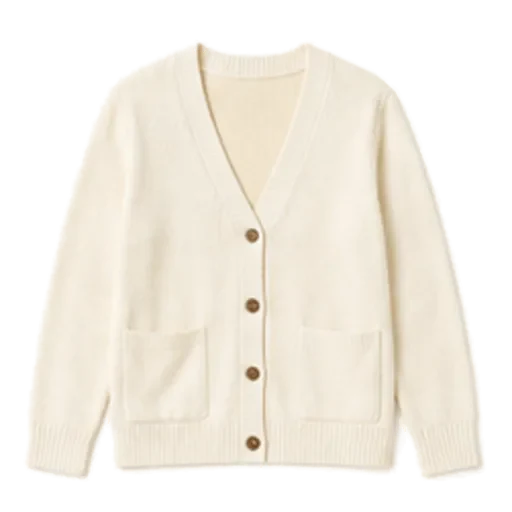
To create a digital wardrobe, install a closet app, add the twenty pieces you wear most, and check that each one is tagged correctly for colour, category and season. You do not need to photograph everything at once. With automatic cut-out and tagging, or a catalogue of common basics, twenty pieces take about five minutes on an iPhone.
This guide covers exactly what to add first, how to photograph clothes so they look right, which tags matter, and how to keep your digital closet current without it becoming a project.
Why a digital wardrobe is worth five minutes
A digital wardrobe is a searchable record of what you own. Once it exists, three things get easier:
- Getting dressed. You see your options without digging through drawers, and a stylist app can suggest outfits from them.
- Remembering what you have. The grey cardigan at the back of the shelf stops being invisible.
- Planning. You can plan a week of outfits, or a trip, from the sofa.
If your closet is full but you still feel you have nothing to wear, a digital wardrobe is often the first fix. We explain why in closet full but nothing to wear.
Step 1: Choose the right app
Look for three things before you start:
- Automatic background removal, so you are not cropping photos by hand.
- Automatic tagging you can edit, for category, colour, pattern, season and formality.
- A way to add basics without a photo, for the plain items that are tedious to shoot.
If you want help comparing options, our guide to outfit planner apps covers the main ones.
Step 2: Pick your first twenty pieces
Do not start with the wardrobe. Start with the laundry basket and the chair in the corner, the clothes you have actually worn in the past two weeks. A balanced first twenty looks something like this:
| Category | How many | Examples |
|---|---|---|
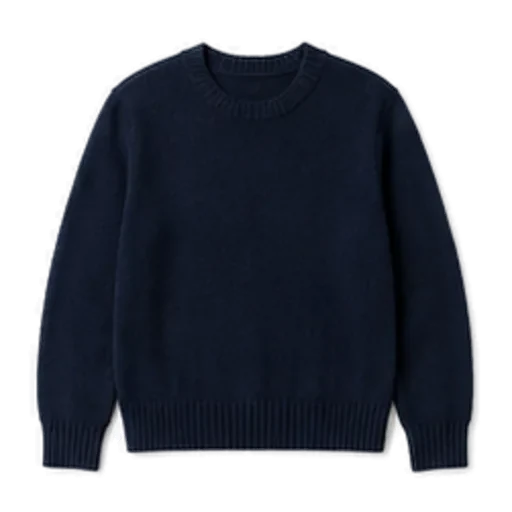
| Tops | 6 | white tee, black tee, oxford shirt, knit sweater, cardigan, long-sleeve tee |
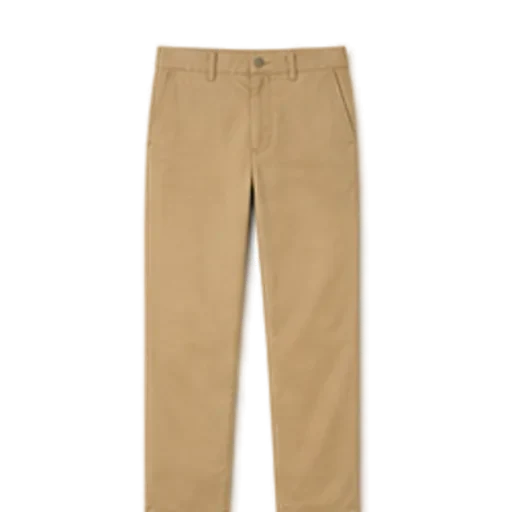
| Bottoms | 4 | blue jeans, black jeans, chinos, a skirt or tailored trousers |
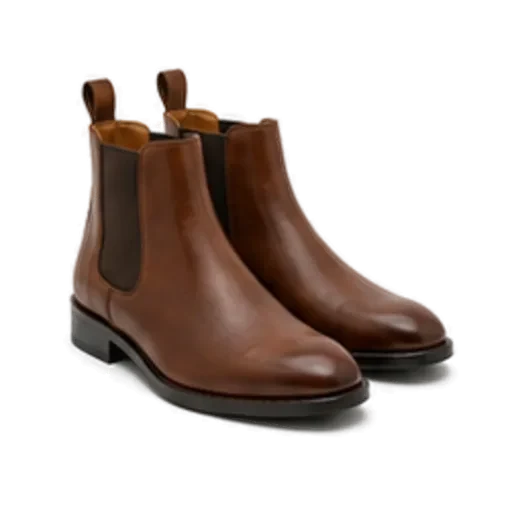
| Shoes | 4 | white trainers, boots, loafers or flats, one smarter pair |
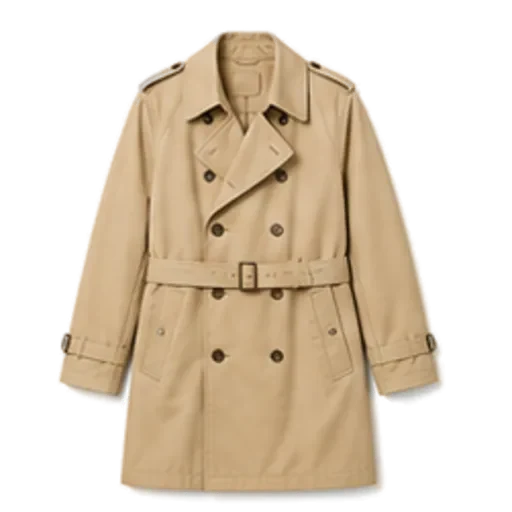
| Outer layers | 3 | denim jacket, trench or raincoat, warm coat |
| Dresses or extras | 3 | a dress, a blazer, a scarf |
Twenty pieces sounds small, but it is enough for dozens of combinations. Everything else can be added later.
Step 3: Photograph clothes so they look right
Good photos give clean cut-outs and accurate colour tags. Bad photos give a grey jumper tagged as beige forever.
Light
- Shoot near a window during the day. Soft, indirect daylight is ideal.
- Turn off overhead bulbs. Warm indoor light turns whites cream and navy black.
- Skip the flash. It flattens texture and causes glare on shiny fabrics.
Surface
- Use a plain surface that contrasts with the garment: a light floor or sheet for dark clothes, a dark one for light clothes.
- Avoid patterned rugs and busy duvets, which confuse background removal.
Layout
- Lay the piece flat and smooth out the big wrinkles. Perfect ironing is not required.
- Fold sleeves in neatly or lay them straight out.
- Shoot from directly above, with the whole garment in frame and a little space around it.
- Shoes look best from the side, in pairs, on the same plain surface.
Hanging instead
If you do not have floor space, hang the item on a plain door or wall. Keep the hanger in frame or out of it, but be consistent.
Step 4: Check the tags that matter
Automatic tagging gets most things right, but a few seconds of checking pays off for months. These are the tags that drive outfit suggestions:
- Category. A shacket tagged as a shirt will never be offered as a layer.
- Colour. The most common error. Check navy versus black and cream versus white.
- Pattern. Stripes, checks and florals change what pairs well.
- Season. A linen shirt and a wool jumper should not compete for the same 5°C (41°F) morning.
- Formality. This is what separates "Saturday errands" from "client meeting".
Step 5: Fill the gaps the quick way
Your plain white tee, your blue jeans, your white trainers: these look identical to millions of others and are dull to photograph. Use a catalogue of common garments where the app offers one, and save your photo time for the pieces that are genuinely yours, such as a patterned shirt or a particular coat.
Step 6: Test it straight away
Before adding more, ask for an outfit. Something simple: "dinner with friends, 14°C (57°F), might rain". If the suggestion is white tee, blue jeans, denim jacket and white trainers with a raincoat on top, your tags are working. If it suggests something odd, check the tags on those pieces first.
Step 7: Keep it current without trying
The trick is to never schedule a "digitising day".
- Add as you wear. When you pull out something not yet in the app, add it before you put it on.
- Add after laundry. Clean clothes laid out to fold are already half-photographed.
- Add new purchases on day one.
- Remove what leaves. When you donate or sell something, remove it from the app so suggestions stay honest.
Within a month or so, most of what you actually wear is in. The rest, the things you never reach for, are worth a hard look. Our guide to building a capsule wardrobe from what you own helps you decide what stays.
How Foxdrobe helps
Foxdrobe is built so the first twenty pieces take about five minutes on an iPhone:
- Photograph and go. Take a photo and Foxdrobe cuts the garment out on a clean background, then tags category, colour, pattern, season and formality. Every tag is editable.
- Catalogue for basics. Add from a catalogue of 150 everyday garments in a couple of taps, no photo needed, for the white tees and blue jeans of the world.
- Instant outfits. Once pieces are in, tell Fenn, the fox stylist, the occasion and Style me builds a complete outfit only from your clothes, with a sentence on why it works.
- Weather aware. Suggestions read today's forecast, so the cardigan and raincoat appear when they should.
- Private by default. A photo taken in the iPhone app stays on the phone and leaves it only for the moment Fenn reads it.
- Big-screen tidying. The web closet at foxdrobe.com uses the same account and is handy for reviewing and bulk-adding on a larger screen. Garments added on the web are described by hand rather than tagged automatically.
See everything on the features page.
Quick recap
- Choose an app with automatic cut-out, editable tags and a catalogue for basics.
- Add the twenty pieces you have worn in the past two weeks.
- Photograph flat, in daylight, on a plain contrasting surface.
- Check category, colour, pattern, season and formality.
- Ask for an outfit straight away to test it.
- Add the rest as you wear it, not in one exhausting session.
That is a digital wardrobe that works by tonight, and keeps working without much effort.