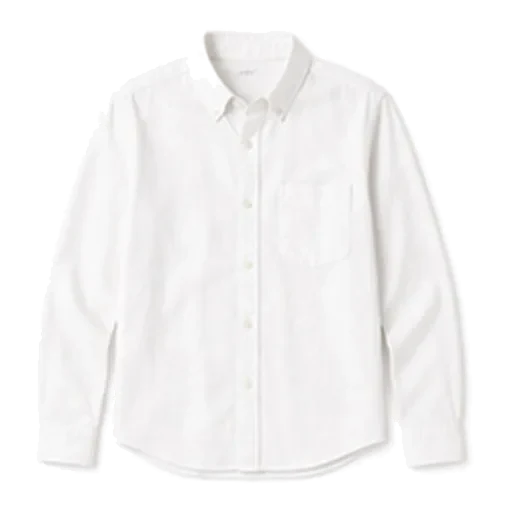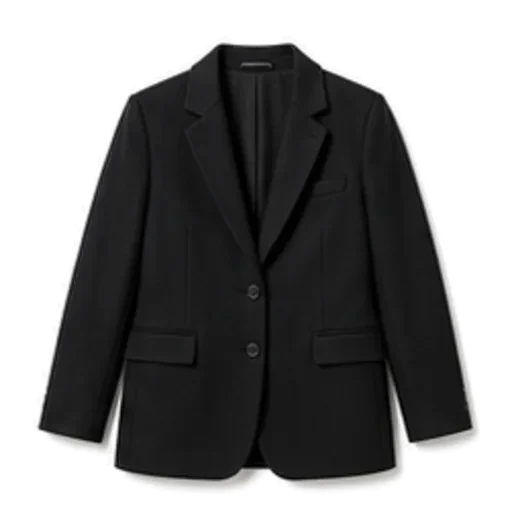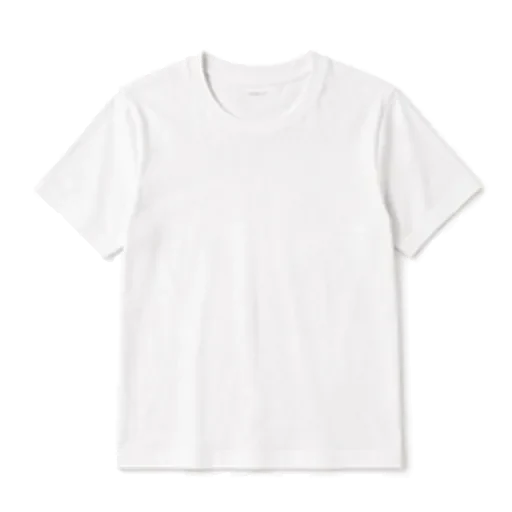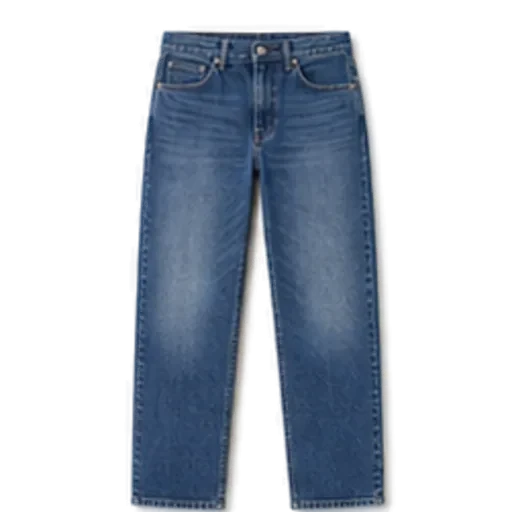

The best outfit planner app is the one you will still be opening in three weeks. For most people that means an app that is quick to fill, builds outfits from clothes you already own, and accounts for the weather without you asking. If you enjoy curating every look by hand, a manual app suits you better; if you want an answer in ten seconds, an AI-first app will.
Below is how to judge an outfit planner app, a fair rundown of the main options, and a quick way to decide.
What an outfit planner app should actually do
Strip away the marketing and an outfit planner has four jobs:
- Hold your closet. A searchable record of what you own, with each piece tagged by category, colour, season and formality.
- Put outfits together. Either you drag pieces into a look, or the app suggests one.
- Plan ahead. Assign outfits to days so Monday morning is already decided.
- Remember. Keep a record of what you wore, and save the combinations that worked.
Everything else is extra. Some extras are genuinely useful; some exist mainly to keep you scrolling.
What to look for before you install
How fast can you add clothes?
Setup is where most closet apps die. If adding one shirt takes two minutes of cropping and typing, you will stop at twelve items. Look for automatic background removal, automatic tagging you can correct, and a way to add common basics without photographing them at all.
Does it use only your clothes?
This is the biggest split in the category. Some apps use your closet as a starting point and then suggest things to buy. That can be useful if you are shopping, but it is noise if your goal is to wear what you have. Read the listing and screenshots carefully.
Does it know the weather?
An outfit that works at 22°C (72°F) is wrong at 8°C (46°F) with rain. An app that reads the forecast will swap in a jacket, change the shoes and add a layer. One that does not leaves you doing that maths yourself.
Can it plan, not just suggest?
A daily suggestion is nice. A week planned on Sunday is what actually saves the morning scramble. If planning ahead matters to you, our guide to planning outfits for the week walks through the routine.
What happens to your photos?
You are photographing your clothes, and possibly yourself. Find out where those photos go, who can see them, and what happens to your data if you stop paying.
The main outfit planner apps, compared fairly
Every app here has people who love it. Features and prices change, so check each App Store or Play Store listing for what is current before you decide.
| App | Best known for | Good fit if you |
|---|---|---|
| Foxdrobe | AI stylist (Fenn) building outfits only from your closet, weather aware, outfit checking | want fast answers from clothes you own, on iPhone |
| Stylebook | Long-standing, detailed manual closet and lookbook app | enjoy building and cataloguing every look by hand |
| Cladwell | Capsule wardrobe approach with daily outfit ideas | want to slim down to a capsule and be guided |
| Whering | Digital wardrobe with a social and sustainability angle | like browsing, sharing and community features |
| Indyx | Digital closet with help available for digitising your wardrobe | have a large wardrobe and want help cataloguing it |
| Acloset | Closet organiser with outfit recommendations and a community | want organising plus inspiration from others |
Foxdrobe
Foxdrobe is an iPhone app built around Fenn, a fox stylist. You photograph a garment and Foxdrobe cuts it out and tags it, or you add from a catalogue of 150 everyday garments in a couple of taps. Then you tell Fenn the occasion and get a complete outfit made only from your clothes, with a sentence on why it works. It reads the forecast, can score a photo of what you have on, and has a planner, saved looks and a home screen widget. There is no shopping inside it. It is iPhone only, with a companion web closet, and has no free tier.
Stylebook
Stylebook has been around for years and has a loyal following among people who like control. You build looks yourself, and it rewards the time you put in. If you find curating relaxing rather than a chore, it is worth a look. We compare the two approaches in more depth in our Stylebook alternative guide.
Cladwell
Cladwell is closely associated with the capsule wardrobe idea: fewer pieces, worn more. If your real goal is to cut down and simplify, its framing may suit you.
Whering
Whering leans into community, sharing and sustainability. If seeing what other people wear motivates you, that social layer is a plus.
Indyx
Indyx is a digital closet app that is known for offering help with the tedious part, getting a big wardrobe into the app. If your closet is enormous, that is the feature to investigate.
Acloset
Acloset combines closet organising with outfit recommendations and a community feed. It suits people who want organising and outside inspiration in one place.
How to choose in two minutes
Answer three questions honestly:
- Do you enjoy styling, or do you want it done? Enjoy it: a manual app. Want it done: an AI-first app.
- Is your goal to wear more of what you own, or to shop smarter? Wear more: pick an app with no shopping in it. Shop smarter: a shopping-linked app may help.
- Which phone do you use? Some apps, Foxdrobe included, are iPhone only.
Then install one and give it a real test: add twenty pieces, plan three days, and see if you open it on the fourth morning without being reminded. That is the only review that matters.
A realistic first week with any planner
- Day 1: Add twenty pieces you actually wear. Ignore the back of the wardrobe for now. Our digital wardrobe guide covers what to photograph first.
- Day 2: Ask for an outfit for tomorrow. Note what it gets right and wrong.
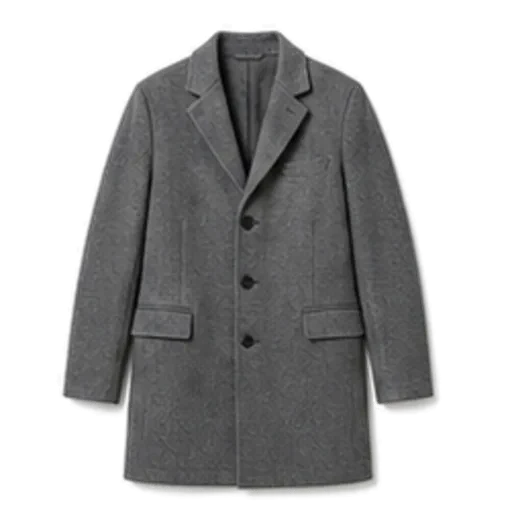
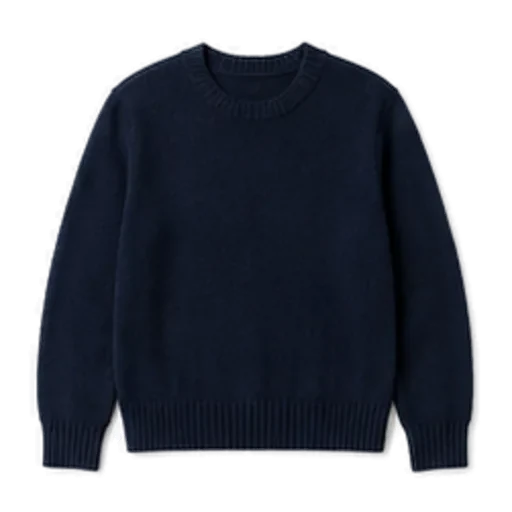
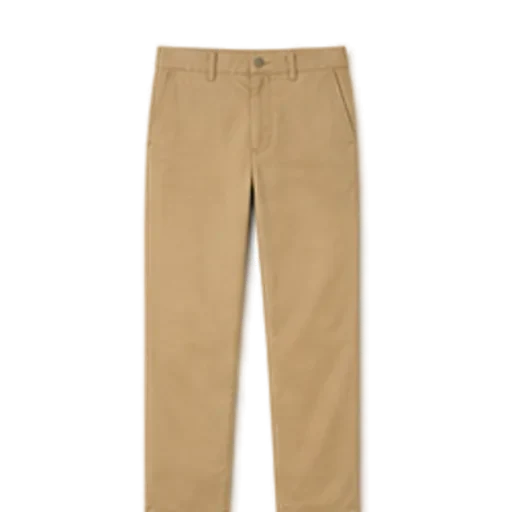
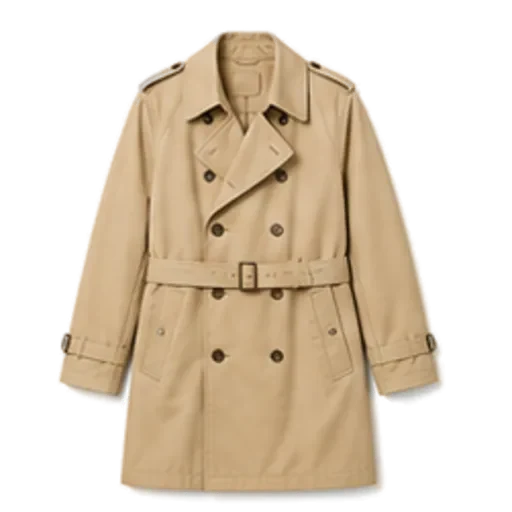
- Day 3: Plan the rest of the week. A typical autumn Tuesday might be navy knit, grey chinos, Chelsea boots and a trench coat if the forecast says 12°C (54°F) and drizzle.
- Days 4 to 7: Use it every morning. Add pieces as you reach for ones that are missing.
By the end of the week you will know whether the app fits your habits. If it does not, switch. Closet data you have already organised in your head carries over.
How Foxdrobe helps
If you want an outfit planner that does most of the work, here is how Foxdrobe maps to the checklist above:
- Fast closet building. Photograph a garment and Foxdrobe cuts it out on a clean background and tags category, colour, pattern, season and formality, all editable. Or add basics from the catalogue without taking a photo. Twenty pieces take about five minutes.
- Only your clothes. Style me builds every outfit from garments you own. No shopping links, no affiliate feeds.
- Weather built in. Suggestions read today's temperature, conditions, rain and wind, so the jacket and shoes change with the forecast.
- Real planning. Plan outfits for the days ahead from your closet, a saved look or a photo of what you wore, and keep a record of what you actually wore.
- A second opinion. Check this outfit scores a photo of what you have on and suggests swaps from your closet.
- Privacy. A photo taken in the iPhone app stays on the phone, leaving it only for the moment Fenn reads it.
You can see the full list on the features page. If you want a deeper look at how the AI side works, read what an AI stylist app actually does.
The short version
Pick an outfit planner app by how you like to get dressed, not by the longest feature list. Manual curators should look at Stylebook. Capsule-minded minimalists should look at Cladwell. Community lovers should look at Whering or Acloset. If you want a stylist that works from your own closet, checks the weather and answers in seconds, try Foxdrobe for a week and see if it sticks.