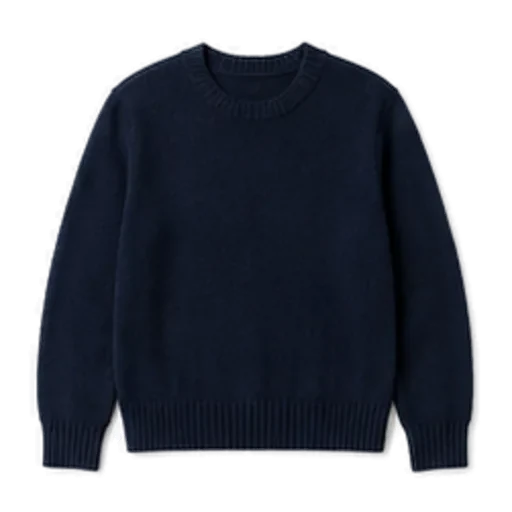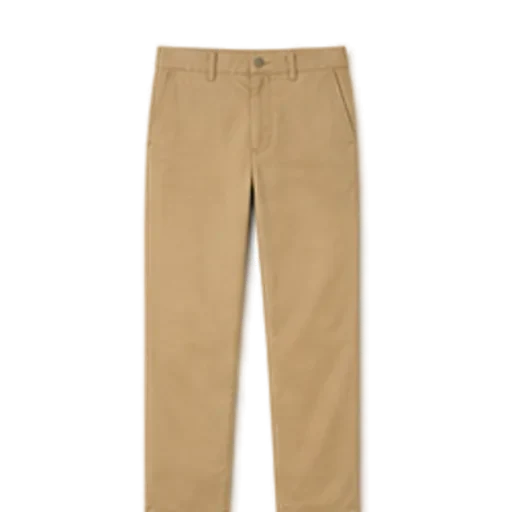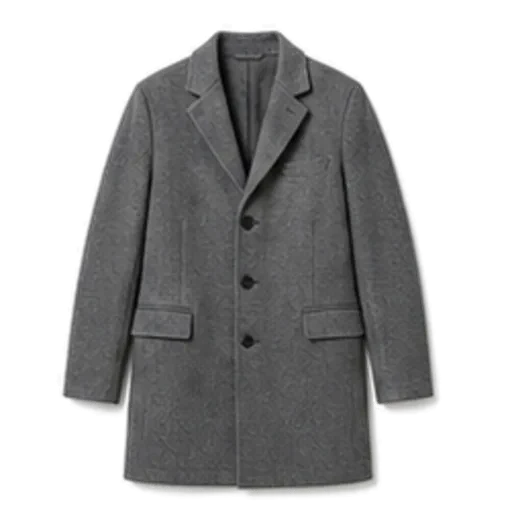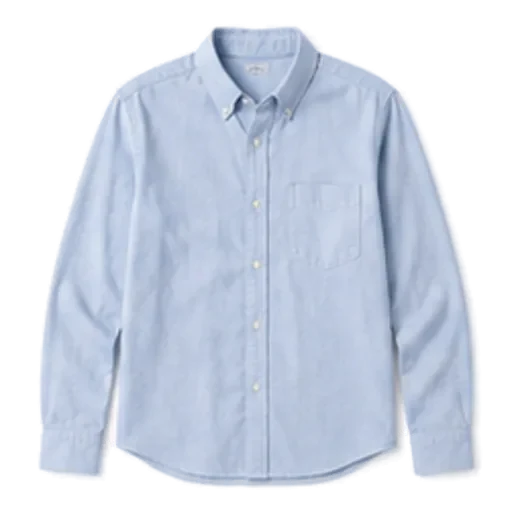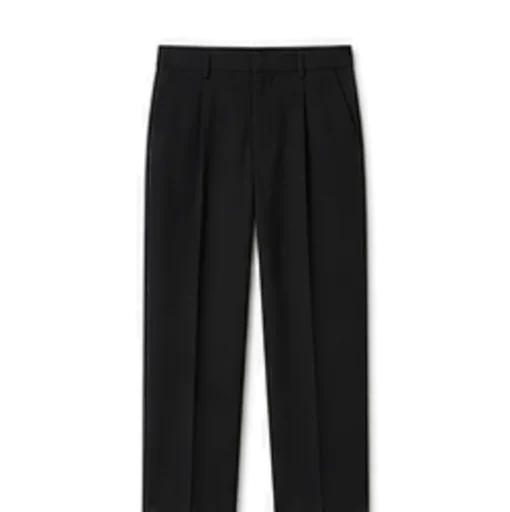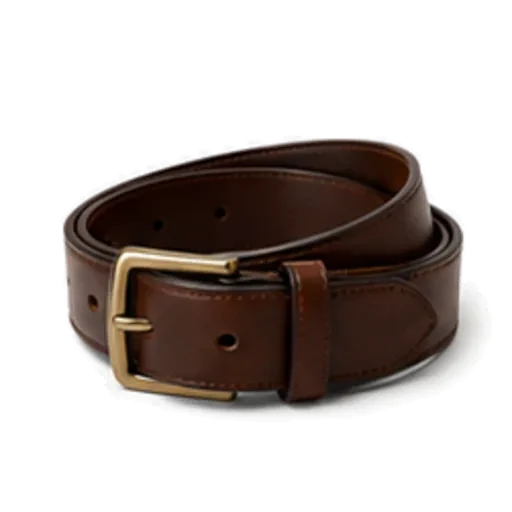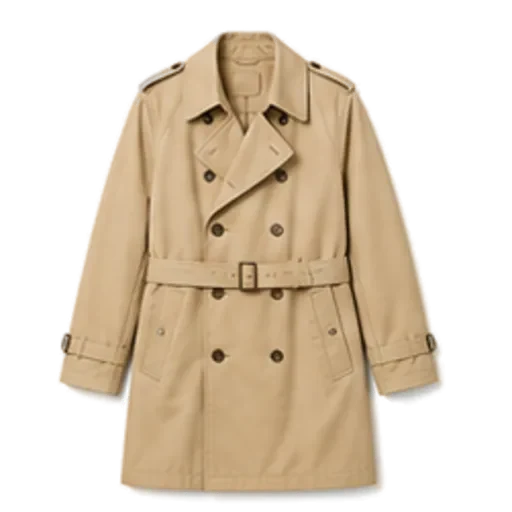
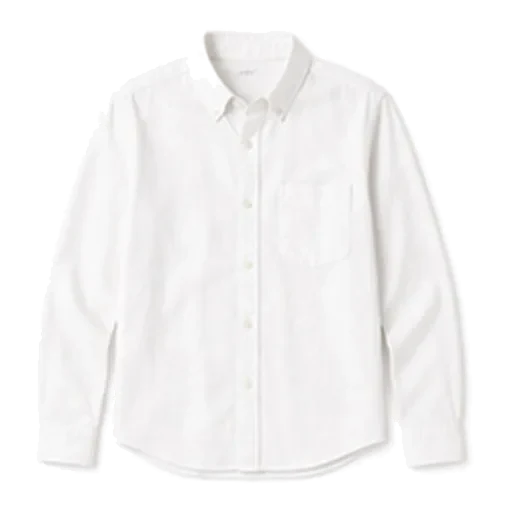
An AI stylist app looks at the clothes you own, the occasion you describe and usually the weather, then builds a complete outfit and tells you why it works. The useful ones work only from your own wardrobe, answer in seconds, and give you a reason rather than just a picture. The weak ones generate pretty images of clothes you do not have.
Here is what an AI stylist app can and cannot do, and a checklist for judging one before you hand it your closet.
What an AI stylist app actually does
Under the friendly name, most AI stylists do three things.
1. Understand your clothes
When you photograph a garment, the app identifies what it is: a white button-down, straight-leg jeans, a pair of loafers. Good apps also tag colour, pattern, season and formality, because those are what decide whether two pieces go together. You should always be able to correct the tags. A navy blazer mislabelled as black will produce slightly odd outfits for months.
2. Combine them for a purpose
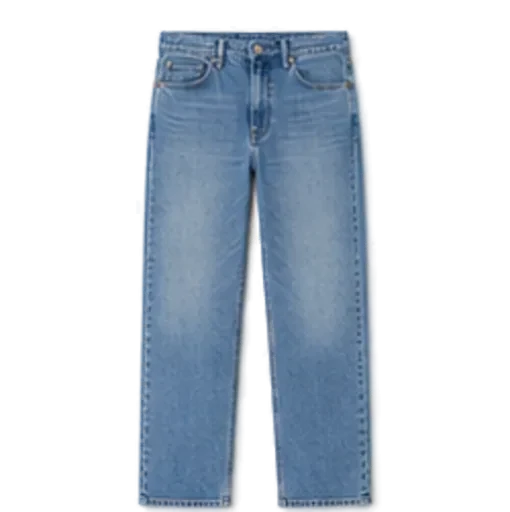
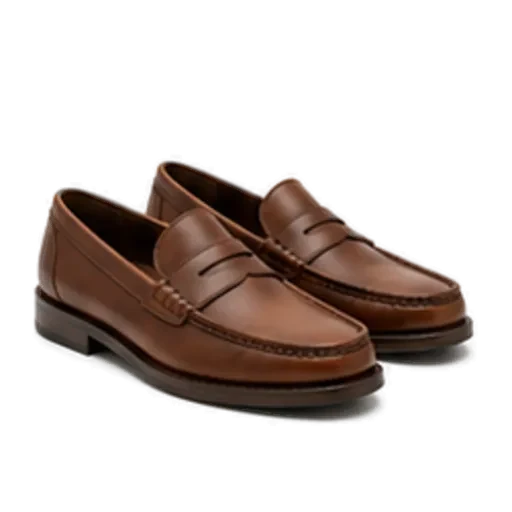
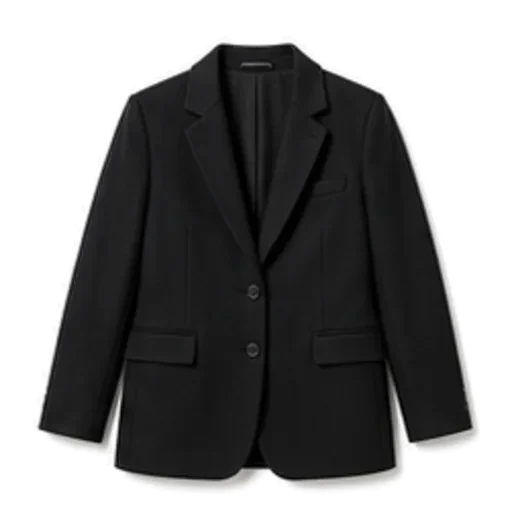
You say "client lunch, smart but not stiff" and the stylist assembles a look: white button-down, straight-leg jeans, tailored blazer, loafers. The skill is in matching formality, balancing colours and making sure the outfit is complete, with shoes and an outer layer when needed.
3. Explain the choice
A one-line reason matters more than it sounds. "The blazer lifts the jeans for a lunch meeting, and the loafers keep it relaxed" teaches you something you can reuse without the app. Suggestions with no reasoning are hard to trust and harder to learn from.
Some AI stylists add a fourth skill: looking at what you have on and giving feedback. That is closer to having a friend in the room, and we cover it in our guide to checking whether your outfit looks good.
What an AI stylist cannot do
Being honest about limits saves you disappointment.
- It cannot see fit the way a person can. It can spot proportion problems in a photo, but it cannot feel that your trousers pinch when you sit down.
- It only knows what you tell it. If half your closet is not in the app, it will keep suggesting the same twenty pieces.
- It cannot read your office. "Business casual" means different things at a bank and at a design studio. Give it context and it does better.
- It is not a tailor or a shopper. If your wardrobe has real gaps, an AI stylist working from your clothes will make the best of them, but it will not fill them.
None of this makes an AI stylist less useful for the daily problem, which is standing in front of a full closet at 7.40am with no ideas.
Why "from your own clothes" matters
There are broadly two kinds of AI styling tool.
| Approach | What you get | The catch |
|---|---|---|
| Generates outfits from a shop's catalogue or invented images | Inspiration, mood boards | You cannot wear an image; the next step is usually buying |
| Builds outfits only from your closet | Something you can put on in the next five minutes | Only as good as the closet you have added |
The second kind changes behaviour. You rediscover pieces you forgot, you wear more of what you paid for, and the morning decision gets shorter. If you are curious how the two approaches differ in detail, our piece on the AI outfit generator from your own clothes goes further.
How to judge an AI stylist app: a checklist
Run any app through these before you commit a weekend to setting it up.
- Setup speed. Can you add twenty pieces in under ten minutes? Automatic cut-out and tagging are the difference.
- Editable tags. Can you fix a wrong colour or category in one tap?
- Own-closet only. Does every suggestion come from your garments, or are shop items mixed in?
- Occasion awareness. Does "wedding guest" produce something different from "Saturday errands"?
- Weather awareness. At 5°C (41°F) with rain, does it add a coat and swap trainers for boots?
- Explanations. Does each outfit come with a reason?
- Second takes. If you dislike a suggestion, can you ask for another without starting over?
- Feedback on what you are wearing. Can it look at a photo and tell you what is working and what is not?
- Privacy. Where do your photos go, and who can see them?
- What happens if you stop paying. Is your closet deleted, locked or kept?
Give each a yes or no. Most people find that two or three of these are dealbreakers for them personally, and that narrows the field fast. Our roundup of outfit planner apps applies the same questions to the main options.
Getting good results from any AI stylist
The quality of suggestions depends heavily on what you feed in.
- Add your everyday pieces first. The jeans, tees, knitwear and shoes you wear weekly. Statement pieces can wait.
- Photograph flat, in daylight. A plain background and even light give the cleanest cut-outs and the most accurate colour tags.
- Correct tags early. Ten seconds now saves months of slightly-off outfits.
- Be specific about occasions. "Dinner" is vague. "Dinner at a small Italian place, then drinks" gives the stylist far more to work with.
- Ask again. The first suggestion is a starting point. A second or third take often lands better.
- Save what works. Saved looks become your personal playbook for busy mornings.
How Foxdrobe helps
Foxdrobe is an iPhone app with an AI stylist called Fenn, a fox. Here is how it lines up with the checklist:
- Setup speed. Photograph a garment and Foxdrobe cuts it out on a clean background, tagging category, colour, pattern, season and formality. Or add from a catalogue of 150 everyday garments in a couple of taps. Twenty pieces take about five minutes.
- Editable tags. Every tag can be changed.
- Own-closet only. Style me builds a complete outfit only from garments you own, with a sentence explaining why the pieces work. Ask again for another take. There are no shopping links or affiliate feeds.
- Weather. Suggestions read today's forecast, including temperature, conditions, rain and wind, so layers, jackets and shoes change with it.
- Feedback. Check this outfit takes a photo of what you have on and gives a score, plain-English notes on what is working and what is holding it back, and swaps from your closet.
- Planning and memory. Plan outfits for the days ahead, keep a record of what you wore, and save looks that worked. There is a home screen widget too.
- Privacy. A photo taken in the iPhone app stays on the phone, leaving it only for the moment Fenn reads it.
- If you stop paying. Your closet becomes read-only. Nothing is deleted.
Foxdrobe Pro starts with a 7-day free trial through the App Store; details are on the pricing section.
The bottom line
An AI stylist app is worth it if it saves you the morning decision and helps you wear more of what you already own. Judge it on setup speed, whether it sticks to your clothes, whether it understands the weather and the occasion, and whether it explains itself. Anything that only shows you outfits you would have to buy first is a mood board, not a stylist.