An AI outfit generator that works from your own clothes starts from a digital copy of your wardrobe and builds outfits only from those pieces, so every suggestion is something you can put on in the next five minutes. Many tools sold as "AI outfit generators" do something else: they invent clothing in a picture, which is fun for inspiration and no use when you are getting dressed. If you want outfits from your clothes, you need a closet-based tool and a little setup — here is how to get good results from one.
Two kinds of AI outfit generator
It helps to know which kind you are looking at before you spend time on it.
| Generates new clothes | Uses your wardrobe | |
|---|---|---|
| What you give it | A text prompt or a style photo | Photos or selections of garments you own |
| What you get | An image of an outfit that may not exist | An outfit made only of pieces in your closet |
| Good for | Mood boards, trying an aesthetic | Getting dressed today, planning the week |
| Main limitation | You cannot wear it without buying it | Only as good as the closet you add |
Neither is wrong. They just answer different questions. "What could I look like?" is an image-generator question. "What should I wear to dinner tonight from what I own?" needs the second kind. Our explainer on AI stylist apps covers the closet-based approach in more depth.
Why "from my clothes" changes the result
A generator that invents clothing can make anything look good, because it controls every pixel. A closet-based generator is working with real constraints: the oatmeal knit you own is slightly cropped, your only boots are black, your chinos are olive. Those constraints are exactly what make the output useful.
They also mean the quality of the result depends on two things you control: what is in the closet and how you ask.
Step 1: Give the AI a closet it can work with
You do not need every garment. You need coverage — something in every category the AI will reach for.
A workable starting twenty:
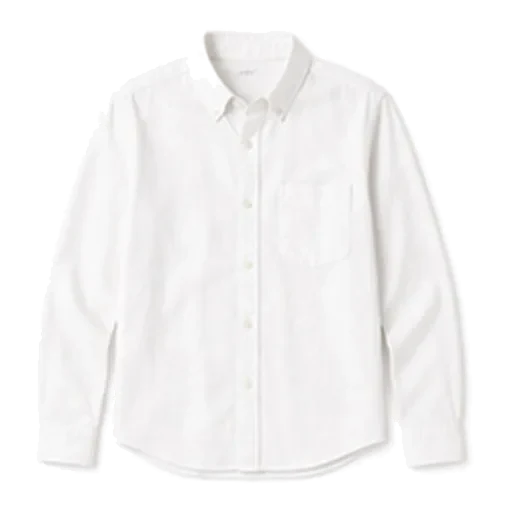
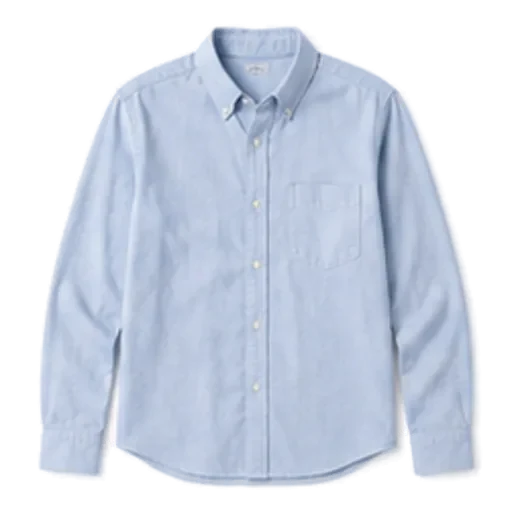
- Tops (6): white tee, black tee, oxford shirt, long-sleeve tee, knit sweater, one smarter top or shirt
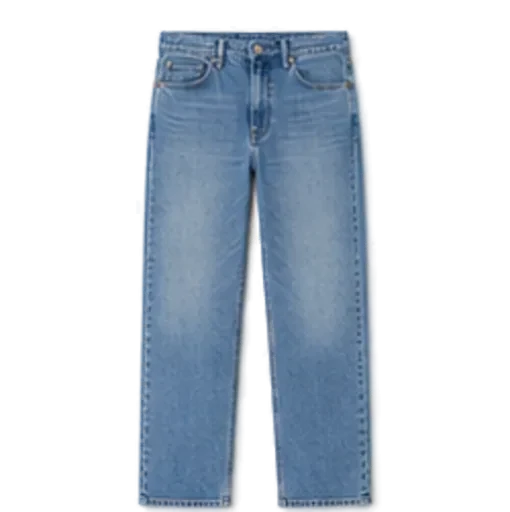
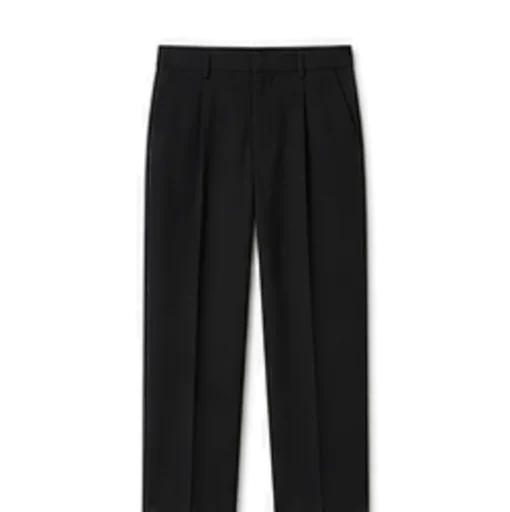
- Bottoms (4): blue jeans, black jeans or tailored trousers, chinos, one skirt or shorts depending on season
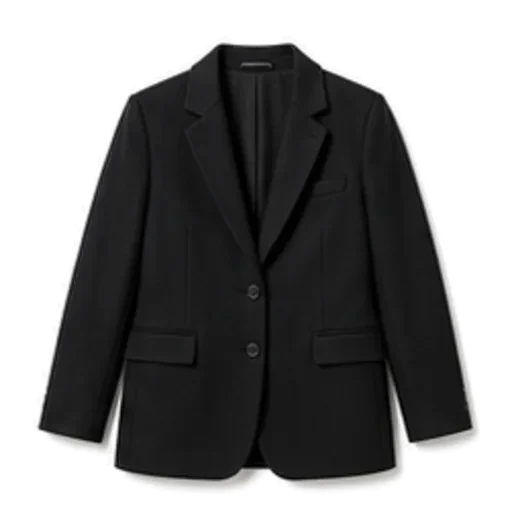
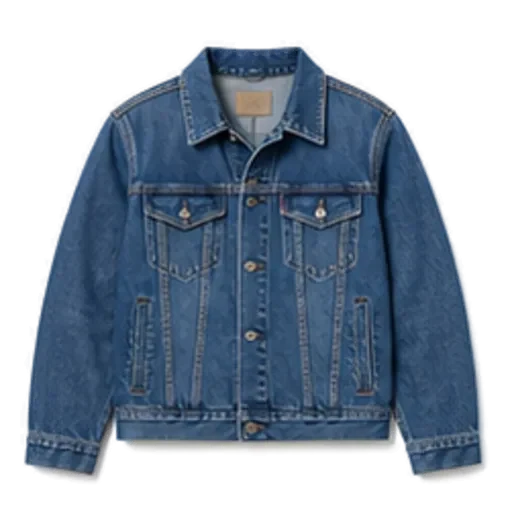
- Layers (4): denim jacket, cardigan or overshirt, a blazer, a coat
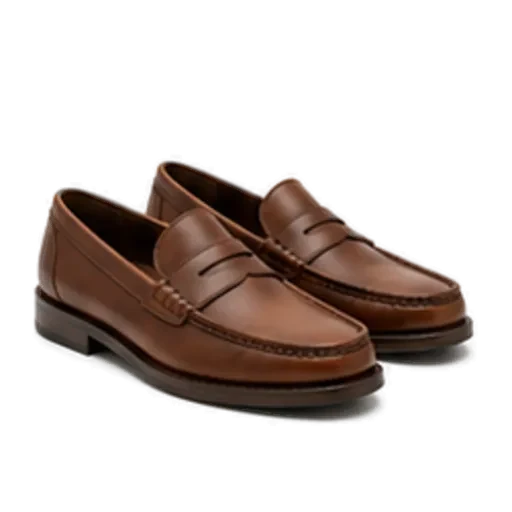
- Shoes (4): white trainers, a boot (Chelsea or ankle), one smarter shoe, one weather shoe
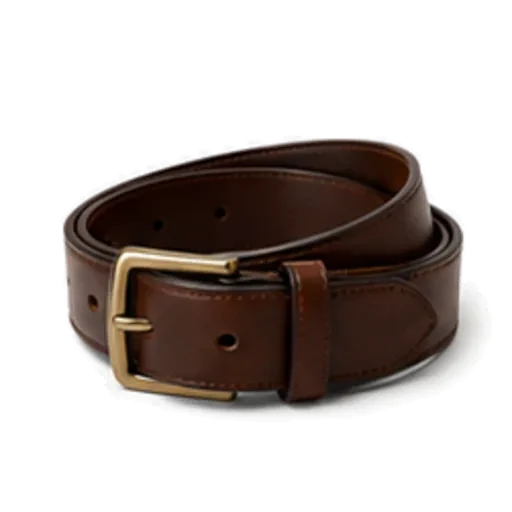
- Extras (2): a belt and a scarf
Shoes and outer layers are the categories people forget, and they are the ones a weather-aware generator needs most. If your closet has no coat, the AI cannot dress you for 5°C (41°F).
Step 2: Fix the tags
Tags are how the AI reads your clothes. If your navy jumper is tagged black, every colour decision built on it is slightly off. Spend two minutes checking:
- Colour — especially navy vs black, cream vs white, olive vs brown.
- Formality — a blazer and a hoodie should not share a level.
- Season — a linen shirt tagged "all seasons" will show up in January.
Good apps tag automatically and let you edit. Correct the obvious mistakes once and the suggestions improve for good.
Step 3: Ask with an occasion, not a vibe
"Make me an outfit" gives the AI nothing to optimise for. Compare:
- Vague: "Something nice."
- Useful: "Dinner with friends at a casual restaurant, walking there."
- Even better: "Client meeting in the morning, then drinks after. Office is smart casual."
The occasion tells the AI how formal to go, whether comfort matters, and which shoes make sense. You do not need to describe the weather if the tool reads the forecast.
Step 4: Judge the outfit like a stylist would
When a suggestion arrives, run four quick checks before you dismiss or accept it:
- Formality match. Are all the pieces at roughly the same level, or is one deliberately dressed down to make the look relaxed?
- Colour logic. Is there one neutral base with at most one or two accent colours? (Our guide on how to mix and match clothes explains the rules.)
- Proportion. Fitted with loose, or a balanced silhouette?
- Weather. Will you be warm and dry enough between door and destination?
If the AI explains its choice, read the explanation. "The olive chinos and camel coat sit in the same warm family, and the black Chelsea boots sharpen it" is a lesson you can reuse without the app.
Step 5: Ask again, then save what works
The first suggestion is a starting point. Ask for another take, compare, and save the one you would actually wear. Over a few weeks your saved looks become a personal lookbook for the days you do not want to think.
Three example requests and what to expect
To make this concrete, here is what good output looks like from a twenty-piece closet:
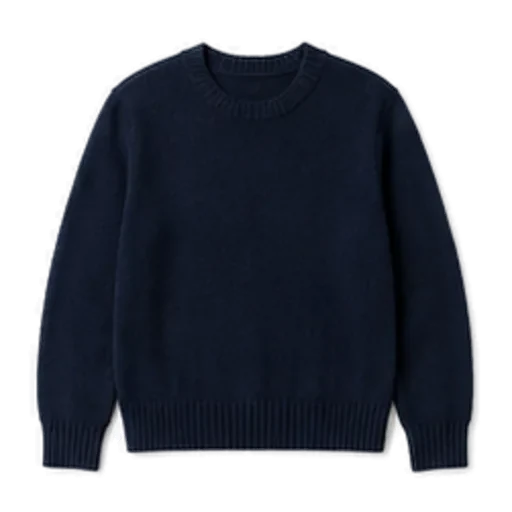
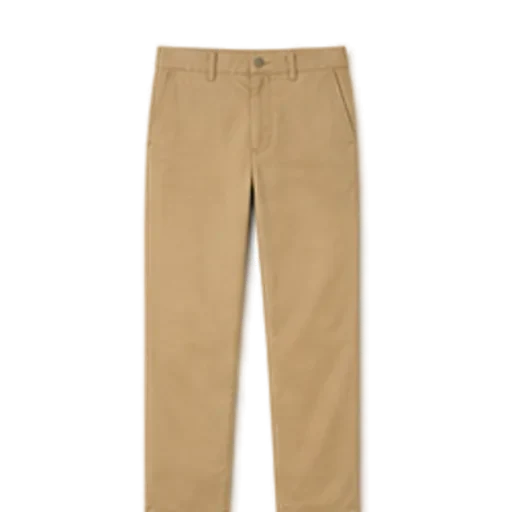
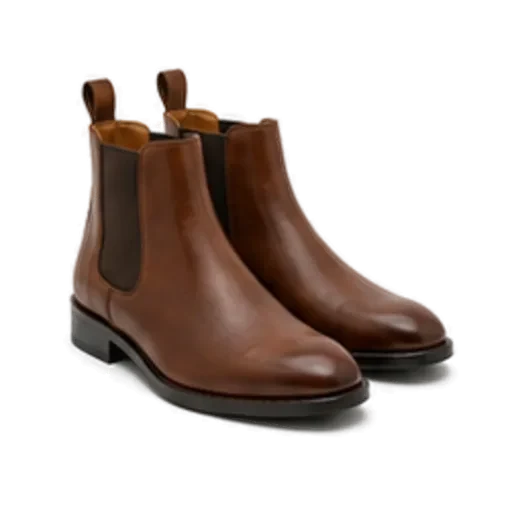
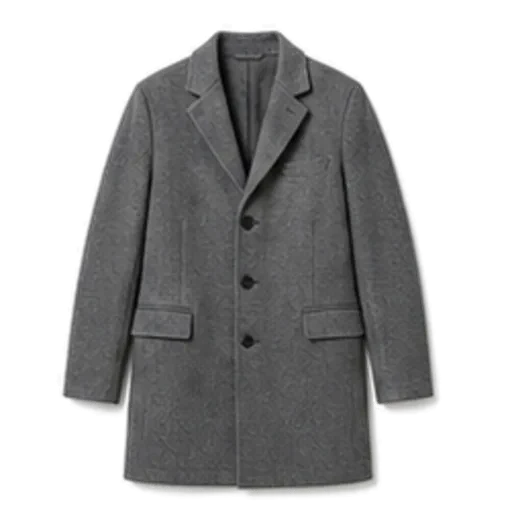
- "Office, smart casual, 9°C (48°F) and dry." Olive chinos, a cream knit sweater over an oxford shirt, black Chelsea boots and a wool overcoat. Everything sits at the same formality, and the coat earns its place.
- "Saturday coffee and a walk, 18°C (64°F)." Blue jeans, a white tee, an open denim jacket and white trainers. Relaxed, one colour family, nothing to carry.
- "Dinner out, rain forecast." Black jeans, a fine knit, a trench and leather boots rather than suede.
Common problems and quick fixes
- Same outfit every time: a category is thin. Add a second pair of shoes or another layer.
- Too formal or too casual: check the formality tags and name the occasion more precisely.
- Weird colour pairings: a garment's colour tag is probably wrong.
- Ignores the cold: you may not have a warm enough layer in the closet at all.
How Foxdrobe builds outfits from your clothes
Foxdrobe is an iPhone app built for the second kind of generator. It never invents a garment.
- Build the closet quickly. Photograph a piece and Foxdrobe cuts it out on a clean background and tags category, colour, pattern, season and formality — all editable, so Step 2 takes seconds. Basics can be added from a catalogue of 150 everyday garments without a photo. Twenty pieces take about five minutes.
- Style me. Tell Fenn, the fox stylist inside the app, the occasion. You get a complete outfit built only from garments you own, with a sentence explaining why the pieces work together. Ask again for another take.
- Weather aware. Suggestions read today's forecast — temperature, conditions, rain and wind — so the coat and shoes change with the weather without you asking.
- Check this outfit. Already dressed? Photograph what you have on and Fenn gives a score, plain-English feedback and swaps from your own closet. More on that in our guide to checking whether your outfit looks good.
- Saved looks and planner. Save the outfits that worked and plan the days ahead from them.
- No shopping. No shopping links, no affiliate feeds — only clothes you already own.
See all features on the homepage.
The short version
Use an image generator when you want inspiration. Use a closet-based AI outfit generator when you want to get dressed. Give it twenty pieces with every category covered, correct the tags, ask with a real occasion, and keep the outfits that work. Within a week, it will feel less like a novelty and more like a habit.